Microsoft Office Word – Key Features, Benefits & MCQs Explained
🧾 Features & Benefits of Microsoft Office Word
1. Document Creation & Rich Formatting

- Feature: You can create documents from scratch or use templates, with rich formatting controls (fonts, styles, themes, colours, paragraph formatting, page layout).
- Benefit: Enables production of professional-looking documents (reports, letters, brochures) quickly and with consistent styling.
2. Templates & Themes
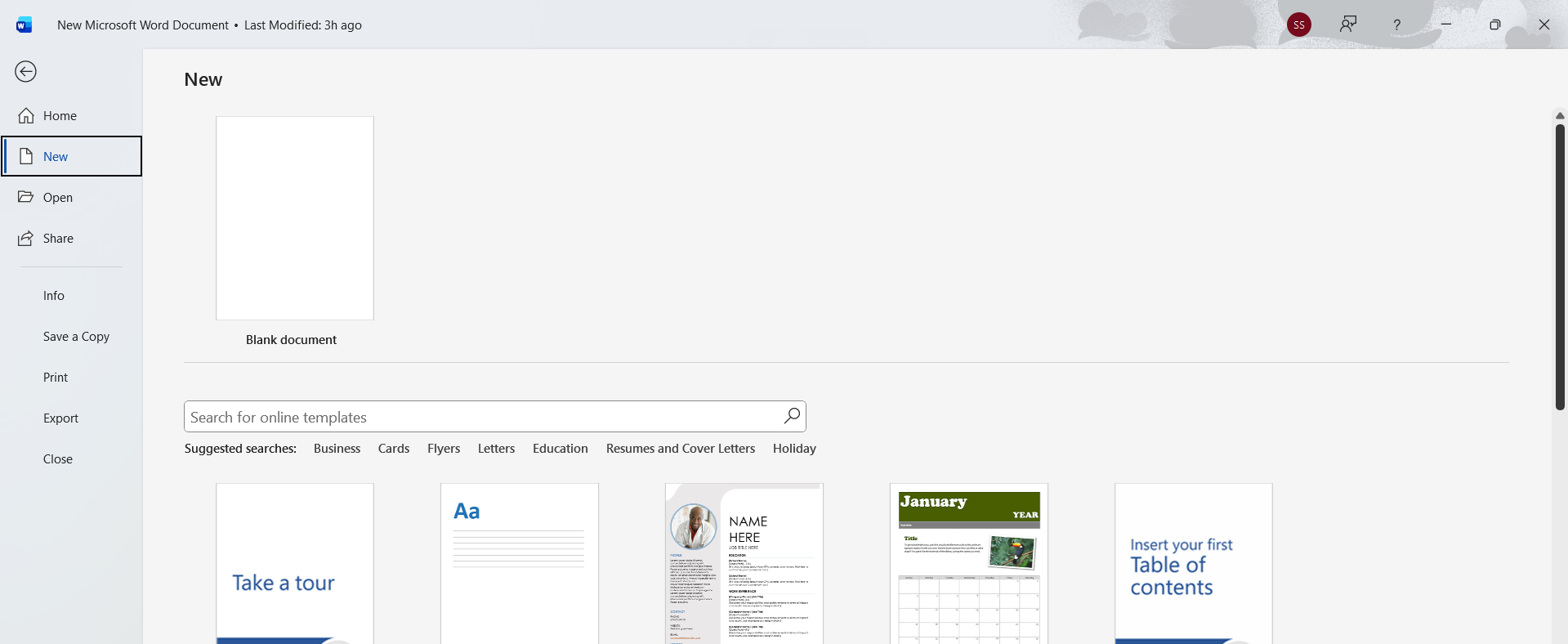
- Feature: A wide library of built-in templates and themes to apply layout, styles, colour schemes, and placeholders.
- Benefit: Saves time and ensures design consistency across multiple documents (useful for business branding, academic work).
3. Review, Proofing & Collaboration

- Feature: Tools such as spell-check, grammar check, thesaurus, track changes, comments, version history and real-time co-authoring.
- Benefit: Improves accuracy, enables feedback and correction, supports multiple reviewers working together—enhancing productivity and quality.
4. Page Layout & Graphic Insertion
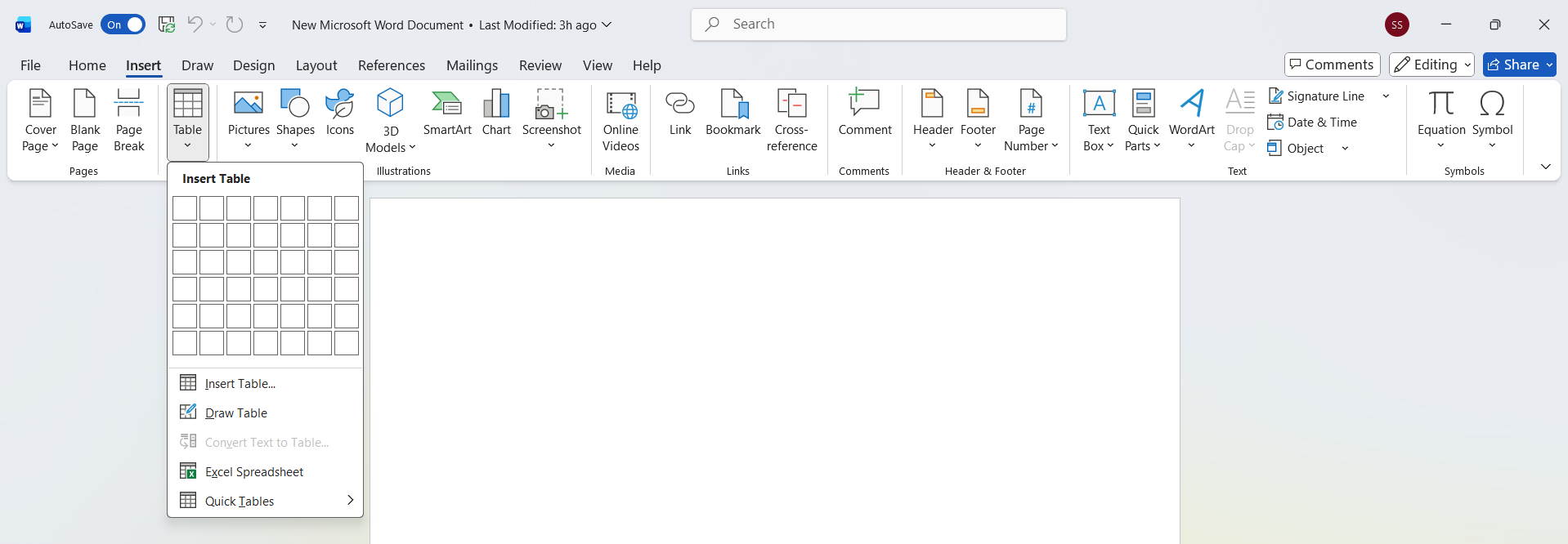
- Feature: Insert tables, charts, images, shapes, SmartArt; control page setup (margins, orientation, breaks), headers/footers, watermarks.
- Benefit: Allows creation of rich, visually appealing documents for business, academic or personal use—not just plain text.
5. Automation & Productivity Tools
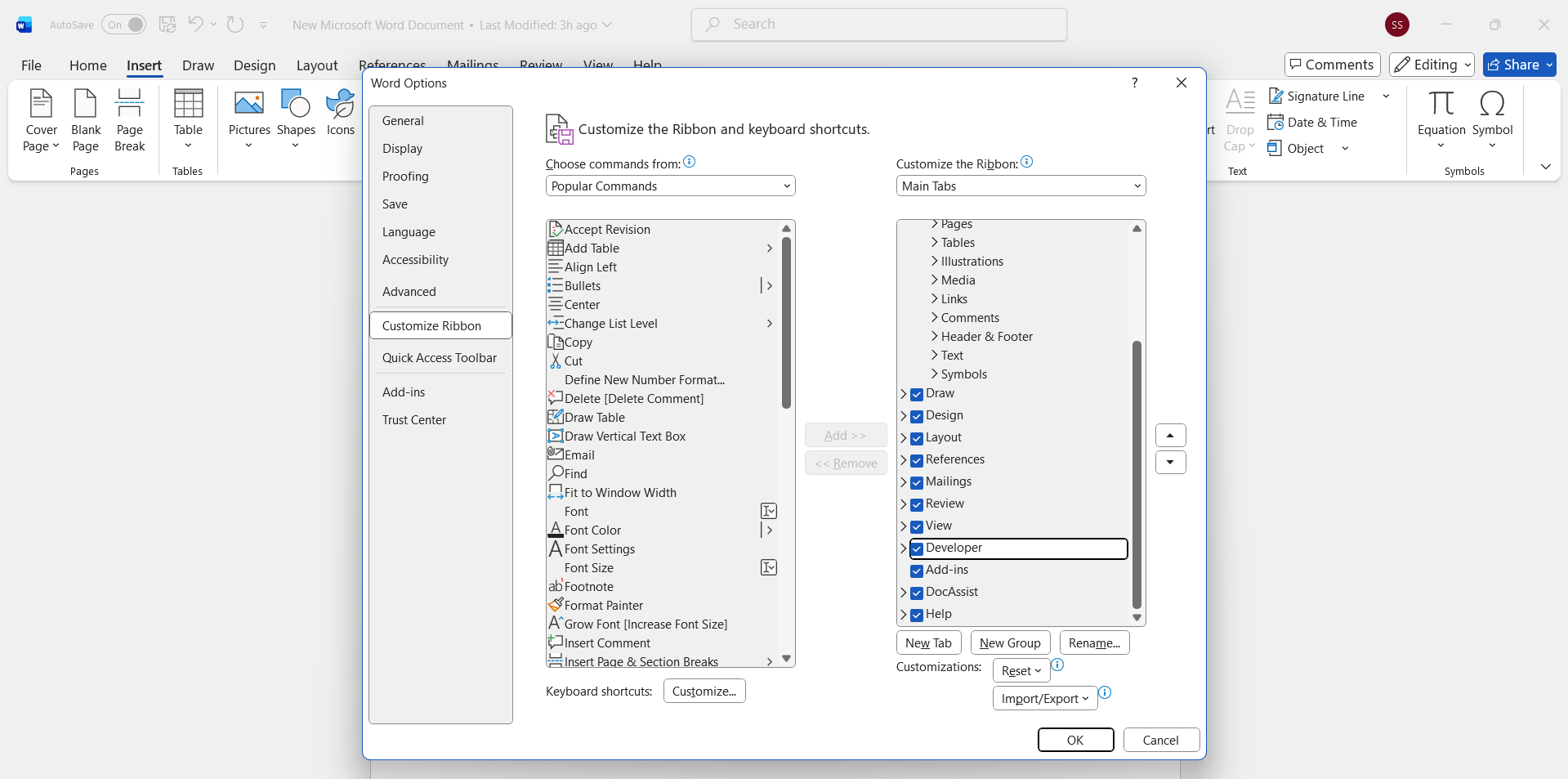
- Feature: Features like mail merge (for bulk letters/labels), macros (automate repetitive tasks), customisation of ribbons/toolbars.
- Benefit: Saves effort, reduces errors, enables scalable document creation (e.g., large mail-outs), and tailors the interface for your workflow.
6. Cloud Integration & Accessibility
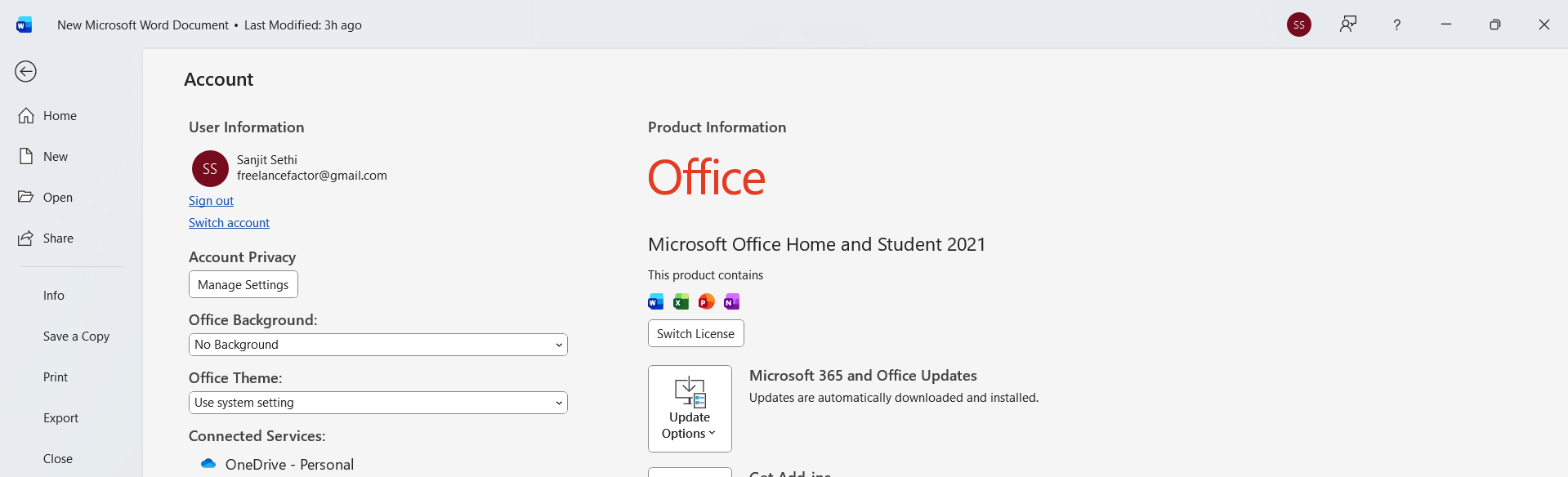
- Feature: Works with cloud storage (e.g., OneDrive), real-time collaboration, access via web/mobile, auto-save & version recovery.
- Benefit: Enables you to work from any device, share documents easily with others, back up automatically and recover previous versions—ideal for modern workflows.
7. Compatibility & Integration
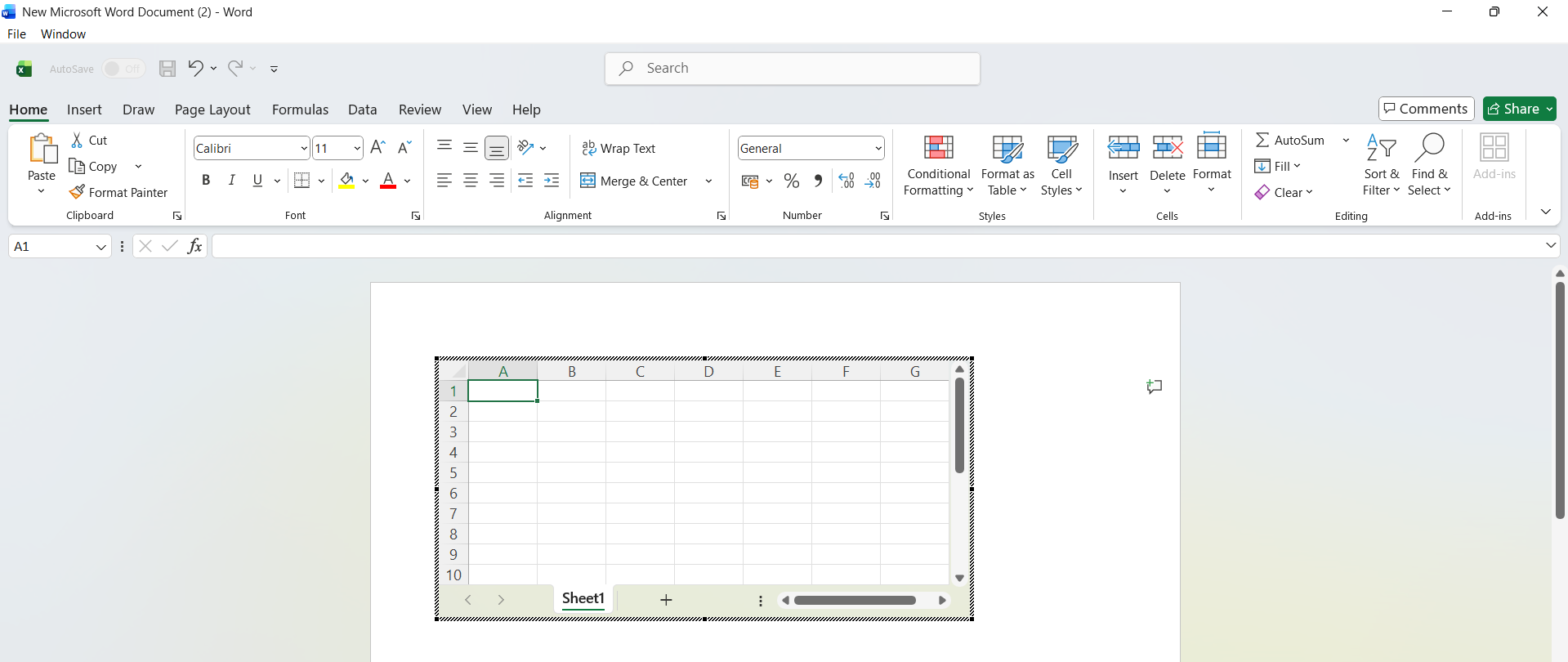
- Feature: Seamless integration with other Microsoft Office apps (e.g., embed Excel in Word), export and import various formats (including PDF).
- Benefit: Ensures your documents work within broader workflows, share easily with others (even if they don’t have Word), and maintain compatibility across platforms.
MCQ's For Exam
Q.1. What feature in Word allows you to automate repetitive tasks like formatting or inserting boilerplate text?
- Mail Merge
- Styles & Themes
- Macros
- Track Changes
3) Macros
📝 Description: Macros allow recording a sequence of actions that can be replayed with one click.
Q.2. Which feature is used to create personalised letters or labels by merging Word with a data source (like Excel)?
- Custom Themes
- Mail Merge
- Styles
- Comments
2) Mail Merge
📝 Description: Mail Merge combines document templates with data lists to create customised outputs.
Q.3. Which of the following is a benefit of using templates in Word?
- You must do full formatting manually
- Design consistency and time-saving
- Only for web documents
- It disables editing
2) Design consistency and time-saving
📝 Description: Templates offer pre-designed layouts and settings that speed up document creation with consistent styling.
Q.4. What does the “Track Changes” feature in Word help you to do?
- Create charts
- Monitor edits by reviewers
- Merge documents
- Run macros
2) Monitor edits by reviewers
📝 Description: Track Changes highlights additions, deletions, formatting changes made by different users.
Q.5. Which function ensures that multiple users can edit a Word document simultaneously via the cloud?
- Styles
- Co-authoring
- Page Layout
- Table of Contents
2) Co-authoring
📝 Description: Co-authoring allows real-time collaboration across devices using cloud storage.
Q.6. What is a key advantage of Word’s integration with other Office applications?
- It only works offline
- You cannot import charts
- Seamless embedding of Excel tables/charts
- It disables collaboration
3) Seamless embedding of Excel tables/charts
📝 Description: Word can embed elements from Excel, PowerPoint, etc., enabling unified workflows.
Q.7. Which feature lets you save a Word document directly in PDF format?
- Macros
- Export/Save As PDF
- Styles
- SmartArt
2) Export/Save As PDF
📝 Description: Word supports exporting documents as PDF for easy sharing and compatibility.
Q.8. Which of these is NOT primarily a formatting control in Word?
- Font size & colour
- Paragraph spacing
- Page margins
- Macro Recorder
4) Macro Recorder
📝 Description: Macro recorder is an automation tool, not directly a formatting control.
Q.9. Why is cloud integration in Word beneficial?
- Documents are accessible only offline
- Enables access from any device and automatic backup
- Disables collaboration
- Removes formatting options
2) Enables access from any device and automatic backup
📝 Description: Cloud storage and real-time sync enable flexible access and safeguard documents.
Q.10. Which feature ensures a uniform appearance across chapters or sections of a document?
- Mail Merge
- Styles & Themes
- Comments
- Track Changes
2) Styles & Themes
📝 Description: Styles and themes apply consistent formatting and design throughout the document.
Q.11. Which Word feature helps detect and correct spelling/grammar errors automatically?
- Table of Contents
- Autofill
- Proofing tools (spell/grammar)
- Embedding charts
3) Proofing tools (spell/grammar)
📝 Description: Word’s proofing tools help maintain document accuracy and quality.
Q.12. What feature is used to navigate quickly through large Word documents using headings?
- AutoCorrect
- Navigation Pane
- Mail Merge
- SmartArt
2) Navigation Pane
📝 Description: Navigation Pane lets you jump between sections via heading links, improving usability.
Q.13. Which feature allows you to insert rows and columns for organized data inside a Word document?
- Styles
- Table insertion
- Macros
- Comments
2) Table insertion
📝 Description: Tables structure data inside documents and support formatting and layout.
Q.14. What benefit do macros provide in MS Word?
- Generate templates automatically
- Enable real-time collaboration
- Automate repetitive tasks and save time
- Only for web version
3) Automate repetitive tasks and save time
📝 Description: Macros record and replay user actions, increasing efficiency for repetitive work.
Q.15. Which feature allows you to merge different versions of a document and compare changes?
- Styles
- Compare & Merge Documents
- Templates
- SmartArt
2) Compare & Merge Documents
📝 Description: Compare & Merge helps consolidate changes from multiple versions and reviewers.